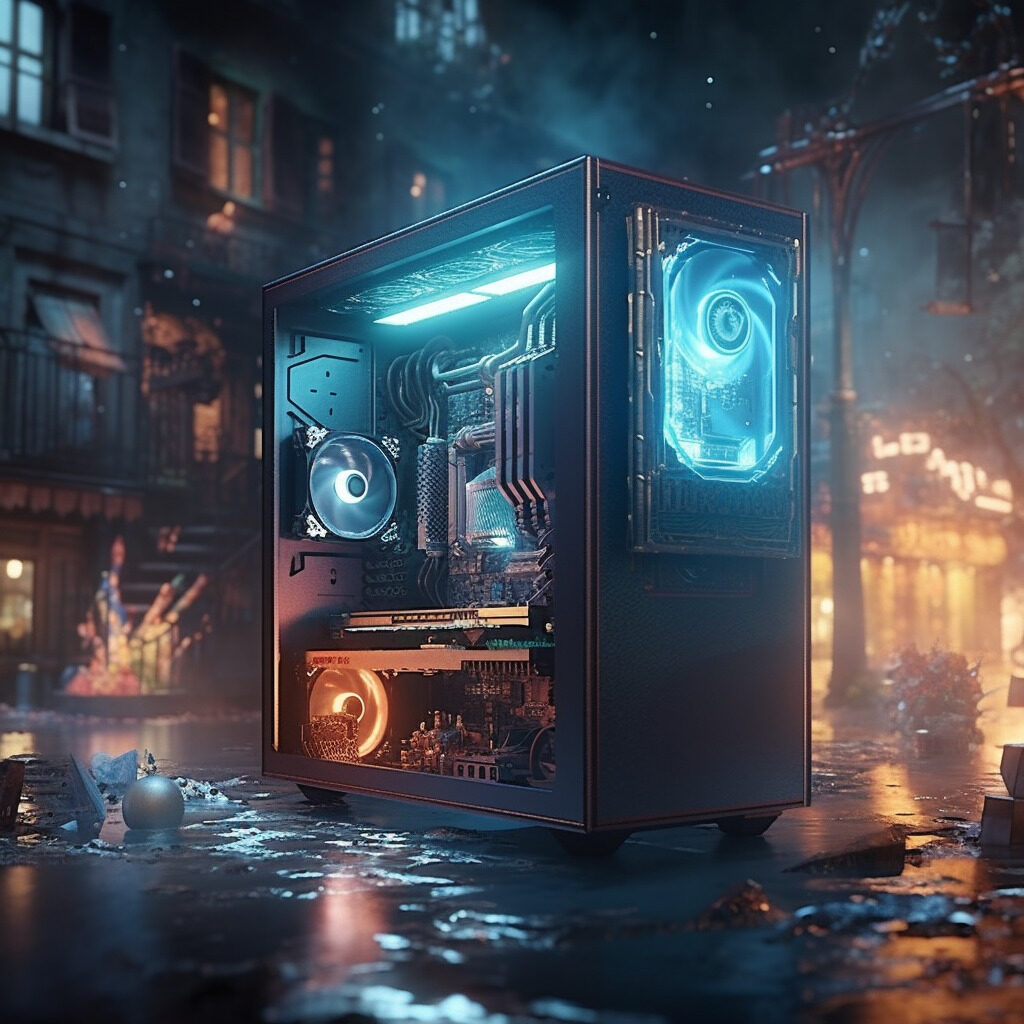
Hey there, tech divas! Tired of being told that PC building is a ‘guy thing’? Well, I’m here to break the mold and prove that we can rock the PC world just as hard. Let’s get down to it: how to build your very own gaming PC, and become the belle of the battle royale.
If you just want the honest version: you need seven parts and a screwdriver. Here is what to buy and the order that actually works.
1. Choosing Your Components:
The heart and soul of your gaming PC will be the components you choose. Here’s the lowdown on what you’ll need:
CPU (Central Processing Unit): Think of this as your PC’s brain. I suggest the Intel Core i7 or AMD Ryzen 7 for that sweet gaming power.
GPU (Graphics Processing Unit): This is the brawn of your gaming setup. The Nvidia GeForce RTX 3060 is a killer choice for us gaming goddesses.
Motherboard: The motherboard is like the nervous system of your PC. The ASUS ROG Strix B550-F is a solid option for a gaming rig.
RAM (Random Access Memory): Consider this your PC’s short-term memory. I recommend at least 16GB of RAM for gaming, like this Corsair Vengeance LPX 16GB.
Storage: For lightning-fast load times, go for a solid-state drive (SSD) like the Samsung 970 EVO SSD.
Power Supply Unit (PSU): The lifeblood of your PC. The EVGA SuperNOVA 650 G5 should provide more than enough juice.
PC Case: Last but not least, you’ll need a home for all your PC components. The NZXT H510 is sleek, spacious, and has great ventilation.
The parts list
Seven parts, one shopping list. These are the exact components this guide recommends.
Part
What this guide recommends
CPU
Intel Core i7 or AMD Ryzen 7
GPU
Nvidia GeForce RTX 3060
Motherboard
ASUS ROG Strix B550-F
RAM
Corsair Vengeance LPX 16GB
Storage
Samsung 970 EVO SSD
PSU
EVGA SuperNOVA 650 G5
Case
NZXT H510
Those are the parts named above, so you can shop the list top to bottom and check them against your budget.
2. Putting It All Together:
Now that we’ve got our parts, it’s time for some PC-building action. It might seem daunting, but don’t worry – it’s just like a puzzle, and we gaming queens love a good puzzle, right? Here’s a step-by-step guide to help you get started.
Prep the case. Open the side panel and lay the case on a non-carpeted surface. Keep the anti-static wrist strap on.
Mount the CPU and cooler on the motherboard. Do this before the board goes in the case, it is much easier.
Install the RAM. Push the sticks in until both clips click.
Fit the SSD. Slot it into the motherboard or the drive bay.
Install the motherboard into the case. Line up the standoffs and screw it down.
Fit the power supply. Slide it into its bay and connect the main cables.
Install the GPU. Seat it in the top PCIe slot and screw the bracket down.
Connect the rest. Front-panel headers, fans, and any RGB strips.
Close up and plug in. Panel back on, monitor and peripherals connected, power cable in.
3. Installing the Operating System:
Once your PC is built, you’ll need an operating system (OS). For gaming, you can’t go wrong with Windows 10.
First boot and troubleshooting
Press the power button. If it lights up and you see the boot screen, you are nearly there. If nothing happens, check the power supply switch, then that the front-panel header is on the right pins. If it turns on but shows no picture, reseat the GPU and the RAM. If it shuts off after a few seconds, check the CPU cooler is seated and the fan is spinning.
4. Customizing Your Rig:
Now for the fun part! Let’s make this gaming PC truly yours. Add some RGB LED strips, pick out a cute mechanical keyboard, and find a gaming mouse that fits your hand and playstyle.
Congratulations, you’ve just built your very own gaming PC! Go forth and conquer those leaderboards, and
FAQ about building a gaming rig
Q1: How much should I budget for my gaming PC build? Depending on your goals, a solid gaming PC can cost anywhere from $600 to $2000 or more. PC Part Picker is a great resource for pricing out components and making sure they’re compatible.
Q2: I’m worried about static electricity damaging my components. What precautions should I take? You’re wise to be cautious, tech diva! Wearing an anti-static wrist strap can help. You should also build your PC on a non-carpeted surface if possible.
Q3: How do I know if my components are compatible? PC Part Picker (mentioned above) can help with this. You can also check out this handy compatibility guide for more tips.
Q4: Can I reuse old PC parts in my new build? Absolutely! Just make sure they’re compatible with your new components. Here’s a helpful guide to reusing old PC parts.
Q5: I’ve never built a PC before. Can I really do this? Yes, you can! Building a PC might seem intimidating, but with patience, you can totally handle it. Check out this beginner’s guide for a walkthrough.
Remember, gaming queens, every epic quest starts with a single step. Building your own PC isn’t just about the destination (though gaming on a machine you’ve built yourself is pretty sweet), it’s also about the journey. So go forth, conquer, and game on!
Hey there, digital dwellers! I’m Super Techno Girl, your friendly neighborhood tech and gaming aficionado. I’m here to bring you the juiciest tidbits from the worlds of tech, gaming, and pop culture. Raised on a steady diet of sci-fi, fantasy, and everything in between, I’ve got a soft spot for plucky heroines, epic quests, and the satisfying click-clack of a mechanical keyboard.